Skip to content
FliperOS

Share FliperOS

Pick a network and a language. Each text is sized for that network, and you can edit it before posting.

273 of 280 characters

Opens X with the text ready to post.

Texts updated for update 112

crt, 15 khz and video

Pixel perfect on a real tube.

A kernel with the 15 kHz patches, Switchres giving each game its own mode, and latency tuned for arcade controls. From one tube to three.

Download(opens on GitHub)

CRT and 15 kHz

A 6.18 LTS kernel with the 15 kHz patches. The installation ISO already comes up at 15 kHz, and the boot can be set for 15, 25 or 31 kHz monitors, or an LCD.

  • 15 kHz
  • 25 kHz
  • 31 kHz
  • LCD

Switchres

Each game gets its own mode: the resolution and refresh rate are generated on the fly to match the original hardware as closely as possible.

Colour and interlace

Gamma and colour change on screen as you move them, and interlaced games can get a flicker filter, per program.

Low latency

Two modes in Setup > System > Latency. Standard polls USB at 1000 Hz and tunes GroovyMAME and RetroArch; Low latency adds full kernel preemption, automatic frame delay and preemptive frames. Check this computer compares your PC with what it needs.

  • 1000 Hz USB
  • Frame delay
  • Preemptive frames

Vertical monitor

Turn the tube on its side and the frontend, the Setup menu, the boot screen and the terminal stand upright with it. Not seen on a real tube yet.

crt / 15 khz

Pixel perfect on real hardware.

FliperOS is not just an emulation distro. It is built for the arcade monitor itself: a 15 kHz tube shows the picture exactly as the original board drew it, with no scaler in between.

From the game to the tube
  1. GameAsks for its original resolution and refresh rate.
  2. SwitchresCalculates a modeline for your monitor’s range.
  3. GPUPatched kernel drivers output low dotclocks on AMD cards.
  4. CRTThe tube draws every line, at the original timing.
  • Native resolutions

    Games run at their own width and height, like 384x224 for a CPS2 board, instead of being scaled.

  • Original refresh rates

    Modes are generated close to each board’s timing, so scrolling stays smooth and the speed is right.

  • No interlace flicker

    At 15 kHz the 480-line systems run at 640x240 progressive, stretched to fill the 4:3 tube.

  • Geometry on the grid

    Center and size the picture from the Setup, saved for GroovyMAME and RetroArch together.

multi-monitor

One game, two or three tubes.

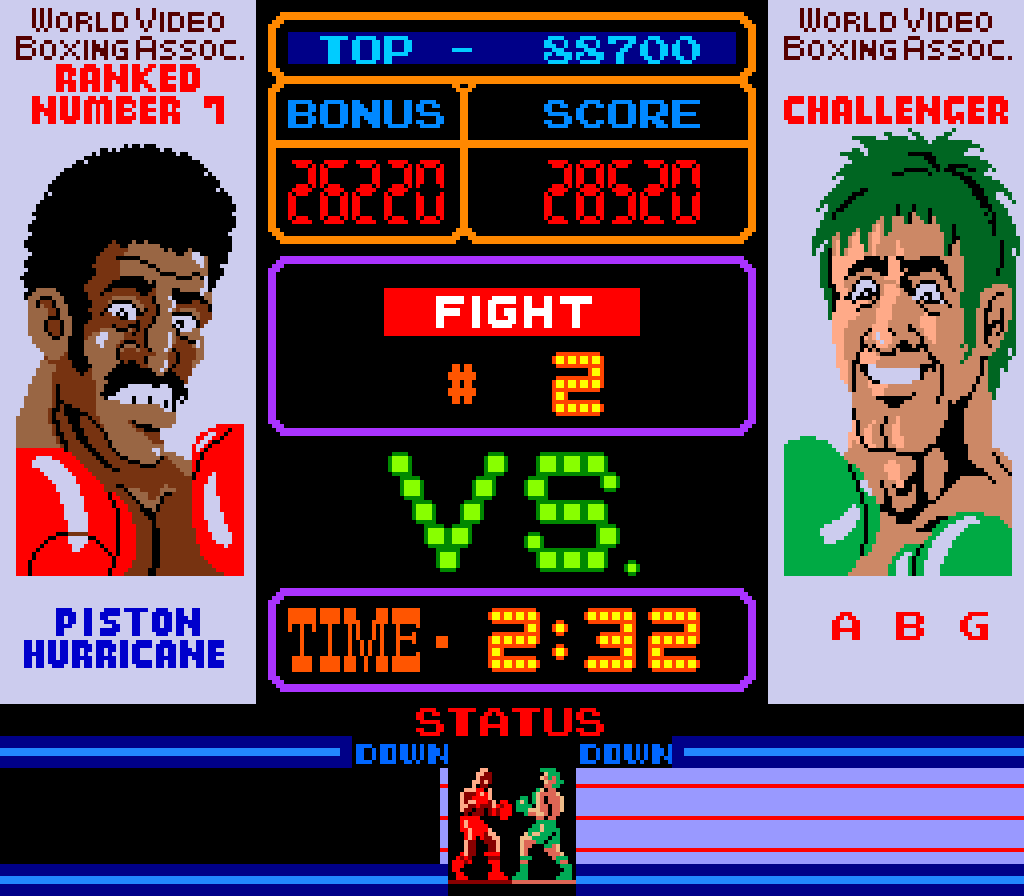
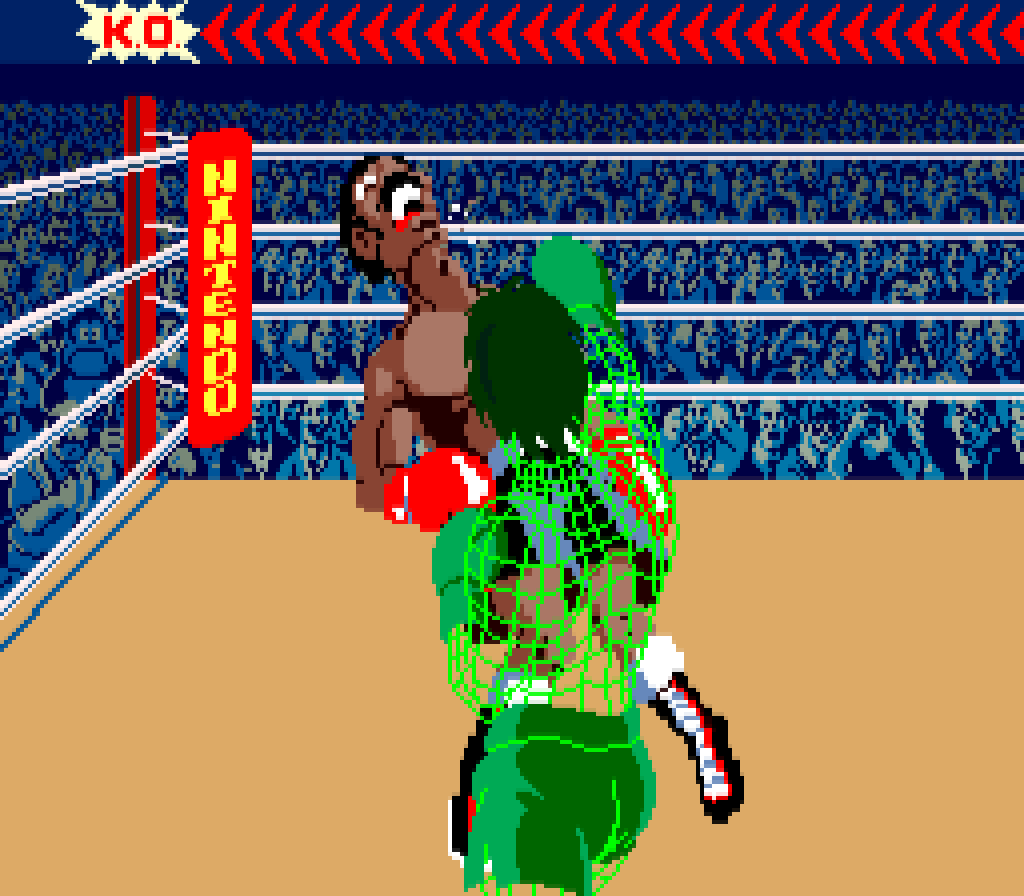
Some arcade games were built for more than one monitor: Darius and The Ninja Warriors spread across three screens, Punch-Out!! stacks two. FliperOS drives two arcade CRTs from the analog outputs of one video card, plus a third on a second video card or through an active converter (still in testing). You are not tied to one card: the outputs can come from more than one video card, limited only by how many free PCI/PCIe slots your computer has. When a game has more than one screen, each screen goes to its own tube.

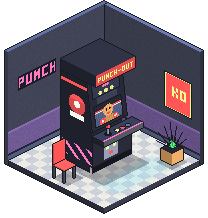
Pixel art of a Super Punch-Out!! cabinet with two stacked screens, in an isometric room
Super Punch-Out!!: two screens
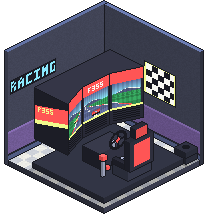
Pixel art of a racing cabinet with three screens side by side and a seat, in an isometric room
A racing cabinet: three screens

Real captures, one image per tube

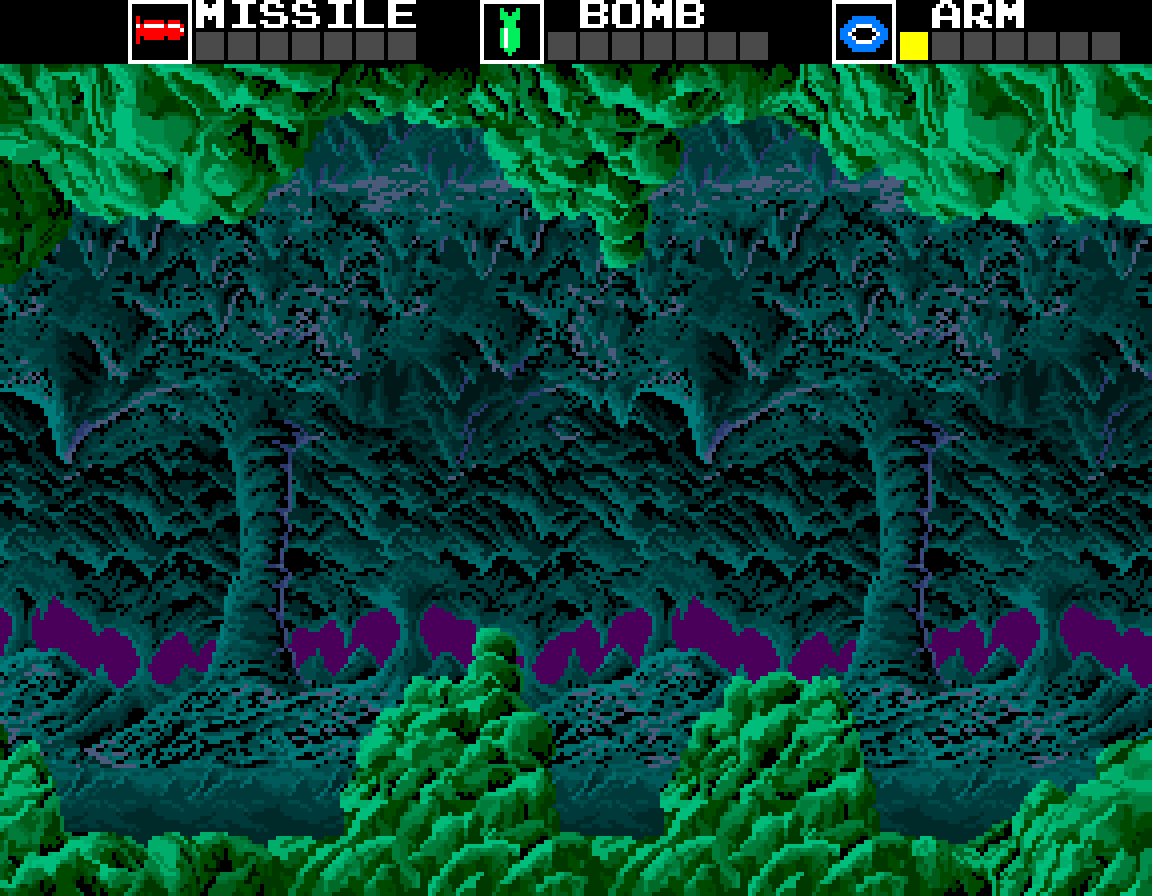
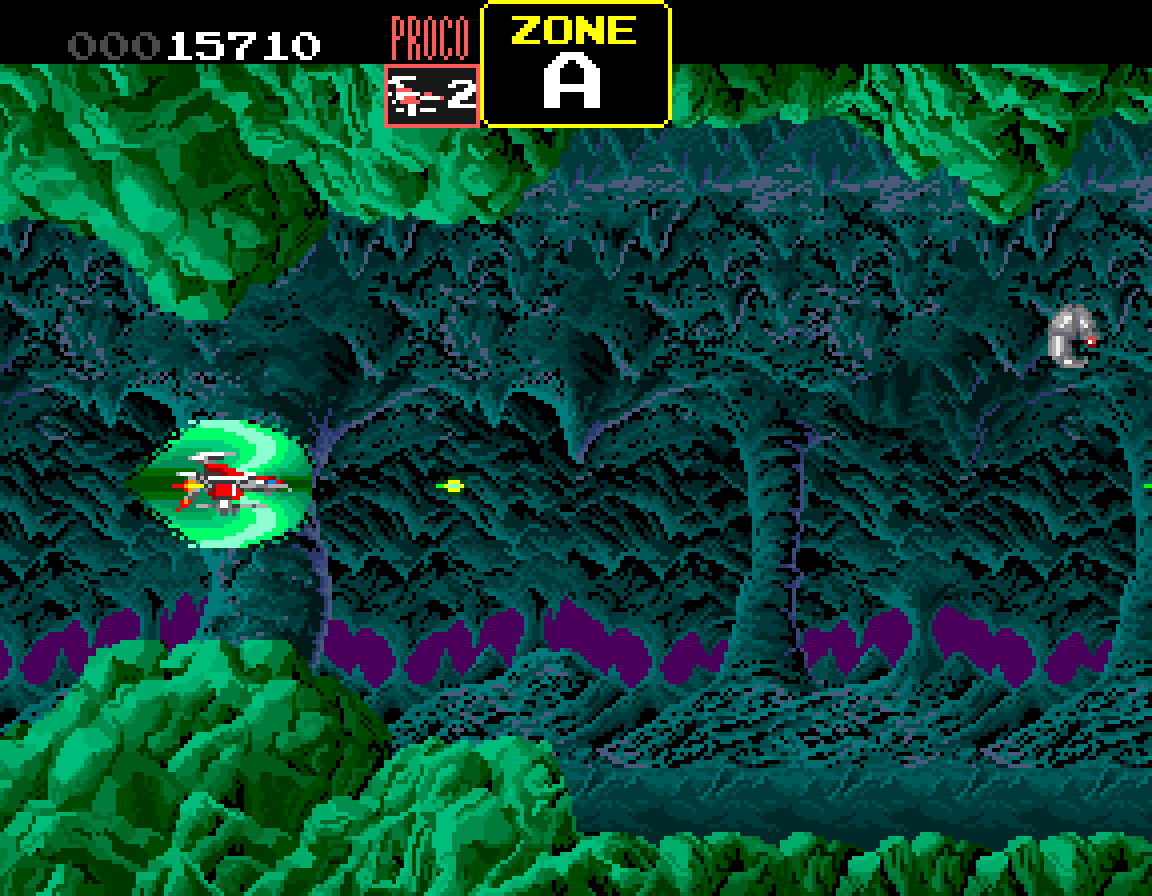
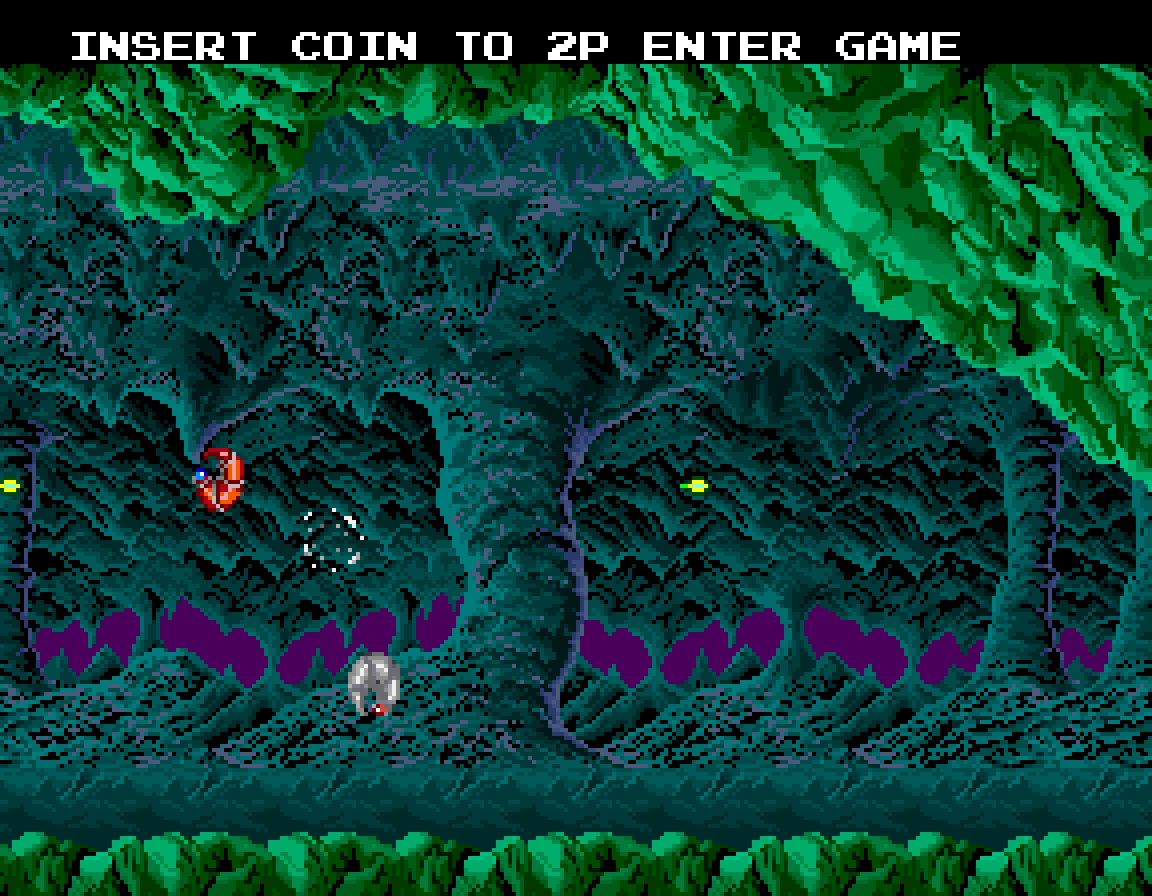
Darius: three screens side by side (Screen 1)

Screen 1 · DVI-I-1

Darius: three screens side by side (Screen 2)

Screen 2 · VGA-1

Darius: three screens side by side (Screen 3)

Screen 3 · DVI-I-2

Darius: three screens side by side
Punch-Out!!: two screens stacked (Screen 1)

Screen 1 · VGA-1

Punch-Out!!: two screens stacked (Screen 2)

Screen 2 · DVI-I-1

Punch-Out!!: two screens stacked
  • Set up on the cabinet

    Setup > Video Setup > Multiple Monitors picks the output of each extra CRT, on the same card or another video card (any free PCI/PCIe slot will do), the screen order (left to right or top to bottom) and blinks each tube so you know which is which.

  • GroovyMAME

    Every MAME system with two or more screens opens one window per monitor, and Switchres sets each game’s native mode on every tube.

  • Flycast

    NAOMI multi-board games run one board per monitor across three CRTs: Ferrari F355 Challenge, Airline Pilots and Sega Strike Fighter.

  • Automatic, with a switch

    The launcher knows which games have several screens. One switch turns the mode off, and single-screen games and the frontends always stay on monitor 1.

Games that use it

  • Darius
  • Darius II
  • The Ninja Warriors
  • Punch-Out!!
  • Super Punch-Out!!
  • Ferrari F355 Challenge
  • Airline Pilots
  • Sega Strike Fighter
Read the multi-monitor guide(opens on GitHub)